
Email marketing still delivers one of the highest returns in digital marketing — an average of $36 for every $1 spent, according to a 2024 Litmus report. But most teams cannot tell you which email drove a specific sale because they either skip UTM parameters entirely or tag them inconsistently.
UTM tracking for email marketing solves this. By appending structured parameters to every link in your emails, you connect downstream actions — page views, sign-ups, purchases — back to the exact campaign, send date, and call-to-action that initiated the click.
This guide walks through the complete setup: which parameters to use, how to structure them for different email types, and how to read the resulting data in your analytics.
What Are UTM Parameters and Why Do They Matter for Email?
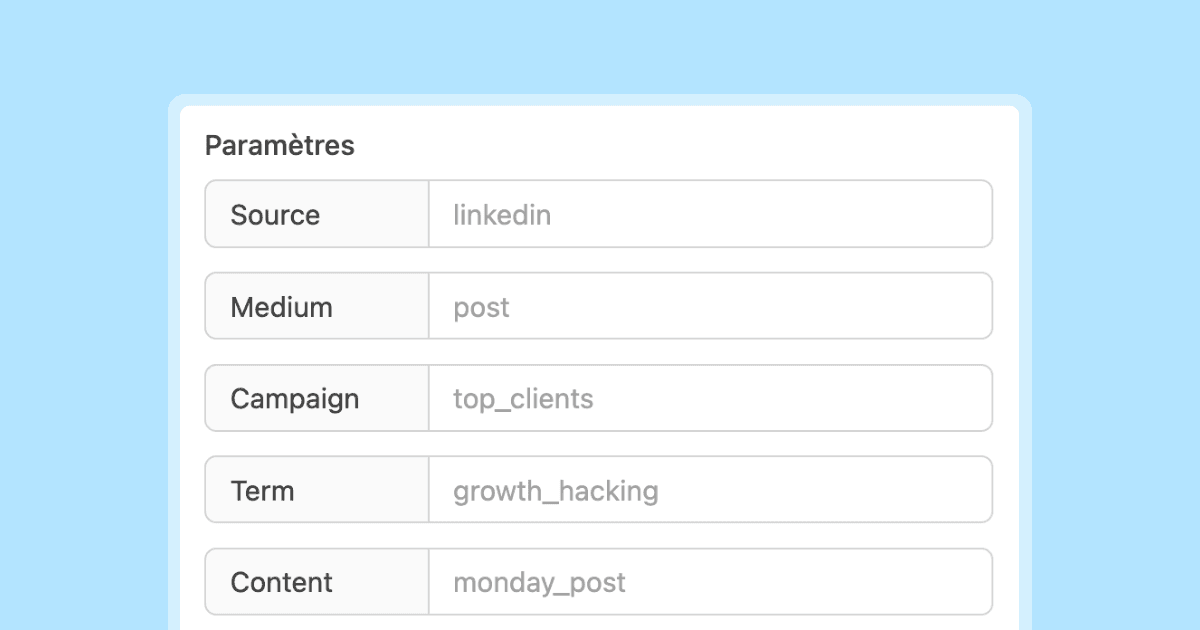
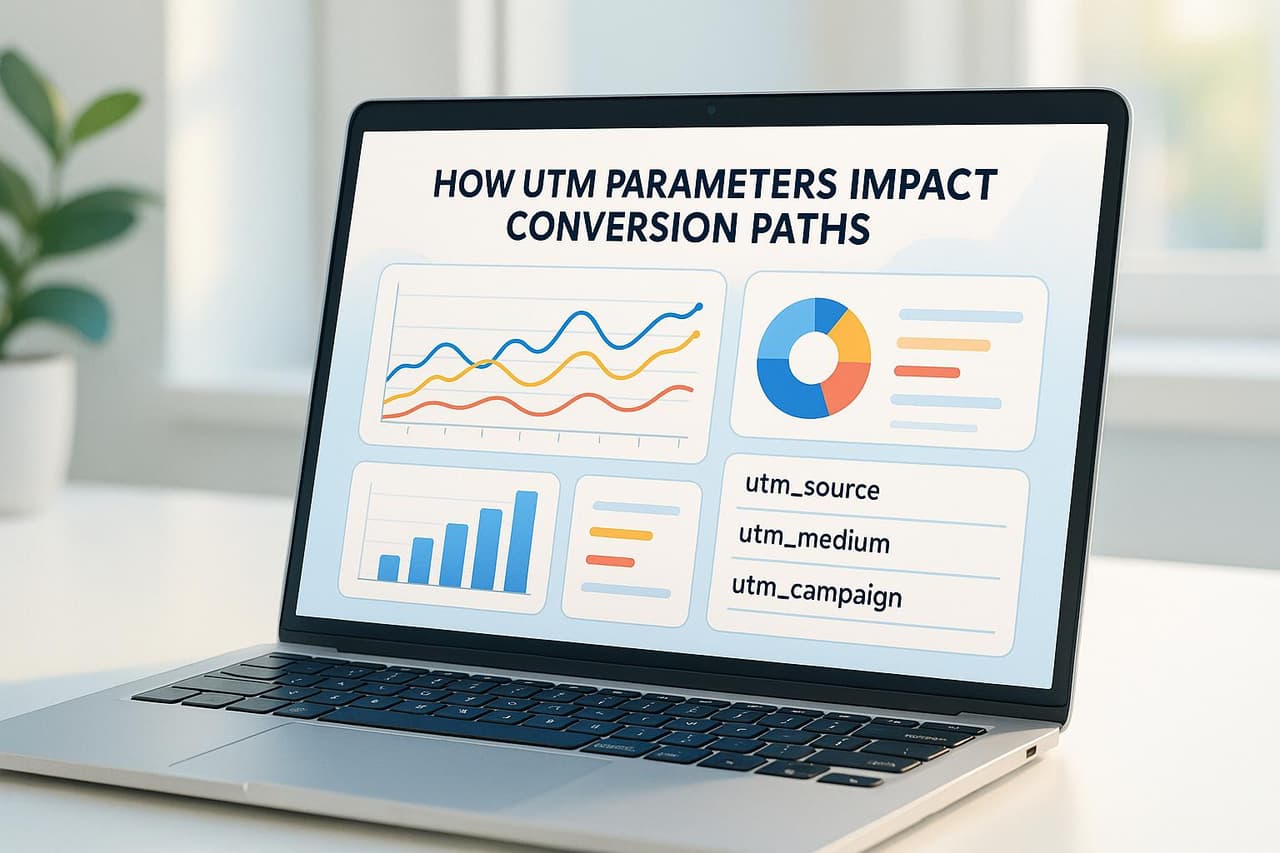
UTM parameters (Urchin Tracking Module) are query string tags appended to URLs. They tell your analytics platform where a visitor came from, which campaign brought them, and what content or creative they clicked. The five standard UTM parameters are utm_source, utm_medium, utm_campaign, utm_term, and utm_content.
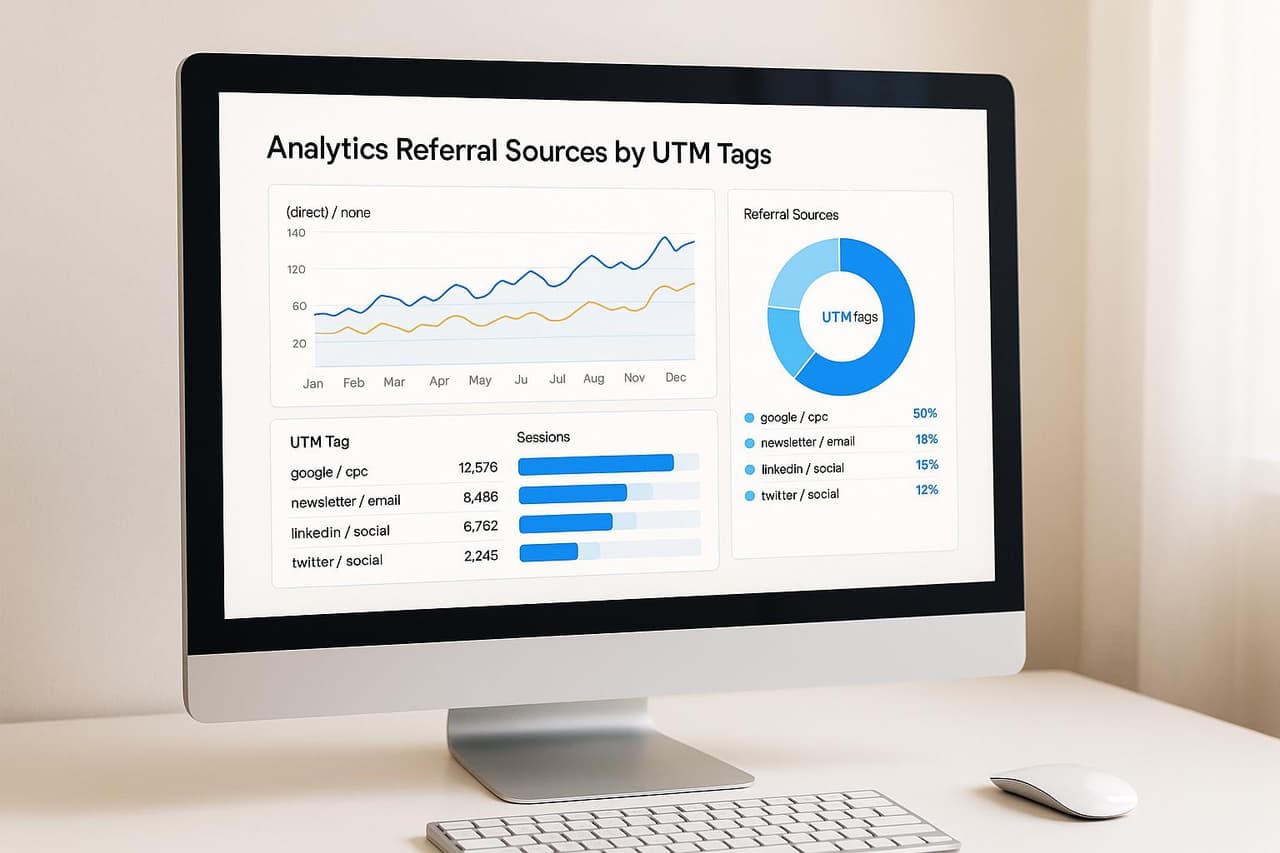
For email marketers, UTM parameters are critical because email clients strip referrer data. When a subscriber clicks a link in Gmail, Outlook, or Apple Mail, your analytics tool often records that visit as "direct" traffic — making it invisible in channel reports. UTM tags override this by encoding the source directly in the URL.
Without UTM tracking, a marketing team running 20 email campaigns per month has no reliable way to distinguish which campaign drove traffic, leads, or revenue. With consistent UTM tagging, every click carries its origin story.
The Five UTM Parameters Explained for Email
Here is how each parameter applies specifically to email marketing:
Rules That Keep Your Data Clean
- Always lowercase everything.
Emailandemailcreate separate entries in Google Analytics. - Use hyphens, not spaces or underscores. Hyphens are URL-safe and readable:
welcome-seriesnotwelcome_series. - Keep
utm_mediumasemailfor all email sends. Never useEmail,e-mail, ornewsletteras the medium — that fragments your channel grouping. - Make
utm_sourceidentify the sending platform or list. Examples:mailchimp,hubspot,activecampaign,internal-list. - Use
utm_campaignto name the actual campaign. Be specific:2026-02-product-launchis better thanpromo.
How to Set Up UTM Tracking for Different Email Types
Newsletter Campaigns
Newsletters are recurring sends with changing content. Your UTM structure should encode the send date and edition:
https://yoursite.com/blog/new-feature?utm_source=newsletter&utm_medium=email&utm_campaign=weekly-digest-2026-02-23&utm_content=featured-article
Best practice: Include the date in utm_campaign so you can compare performance across editions. Use utm_content to distinguish between the primary CTA, secondary links, and footer links within the same newsletter.
Drip Sequences and Automation
Automated email sequences (welcome series, onboarding, re-engagement) run continuously. Tag them by sequence name and step number:
https://yoursite.com/pricing?utm_source=drip&utm_medium=email&utm_campaign=onboarding-sequence&utm_content=step-3-pricing-cta
Best practice: Use utm_content to identify the step number and link position. This lets you see exactly where in the sequence subscribers convert — or drop off.
Promotional and Launch Emails
One-off promotional sends need clear campaign identifiers:
https://yoursite.com/sale?utm_source=promo-list&utm_medium=email&utm_campaign=summer-sale-2026&utm_content=hero-banner
Transactional Emails
Order confirmations, shipping notifications, and password resets also carry marketing opportunities (upsells, referrals). Tag the marketing links — not the functional ones:
https://yoursite.com/refer?utm_source=transactional&utm_medium=email&utm_campaign=post-purchase-referral&utm_content=refer-a-friend-cta
A/B Test Variants
When testing subject lines or creative, encode the variant:
https://yoursite.com/demo?utm_source=hubspot&utm_medium=email&utm_campaign=demo-invite-feb-2026&utm_content=variant-a-short-subject
This lets you attribute conversions to specific variants, going beyond open and click rates to measure actual downstream impact.
Step-by-Step: Adding UTM Parameters to Your Email Campaigns
Setting up UTM tracking for email takes five steps:
-
Define your naming convention. Document the exact values you will use for
utm_source,utm_medium, andutm_campaignformats. Share this with everyone who sends emails. -
Build your tagged URLs. Use a UTM builder tool or a spreadsheet template. Tools like PIMMS generate smart links with UTM parameters built in, so you get branded short links and tracking in one step.
-
Insert tagged URLs into your email. Replace every link in your email template with the UTM-tagged version. Do not forget footer links, image links, and social icons.
-
Test before sending. Click every link in a test send. Verify the UTM parameters appear in the URL bar and that your analytics platform registers them correctly.
-
Monitor in your analytics dashboard. After sending, check your acquisition reports filtered by
utm_medium=emailto see campaign-level performance.
Common UTM Structures for Popular Email Platforms
Different email service providers (ESPs) handle UTM tagging in different ways. Here is how the major platforms work:
Important caveat: Auto-tagging features from ESPs often use inconsistent naming. A team using both Mailchimp and HubSpot might end up with utm_source=mailchimp and utm_source=hubspot — which is fine — but the utm_campaign values may follow different conventions. Standardize your campaign naming across tools.
Using Smart Links for Email UTM Tracking
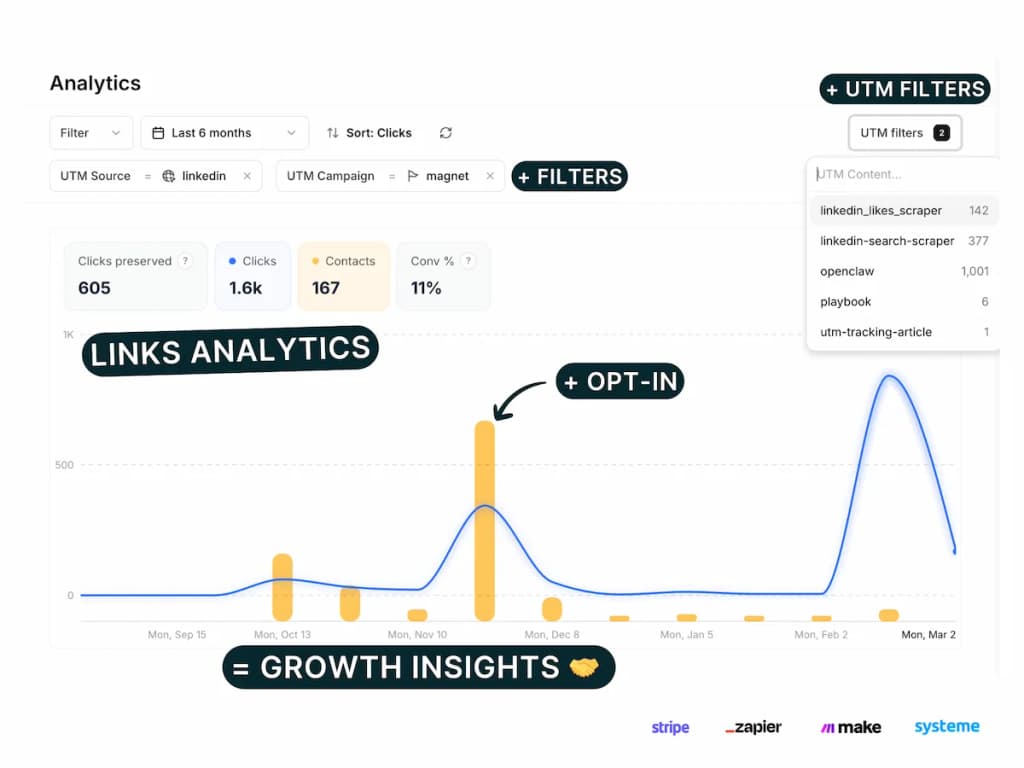
Manually tagging every URL is tedious and error-prone. Smart link platforms like PIMMS simplify the process:
- Create once, track everywhere. Build a branded short link with UTM parameters embedded. Share the same link across emails, and PIMMS tracks every click with full attribution data.
- Deep linking included. If your email links to a mobile app, PIMMS deep links route users directly to the right in-app screen — no in-app browser friction. This increases conversions by up to 30%.
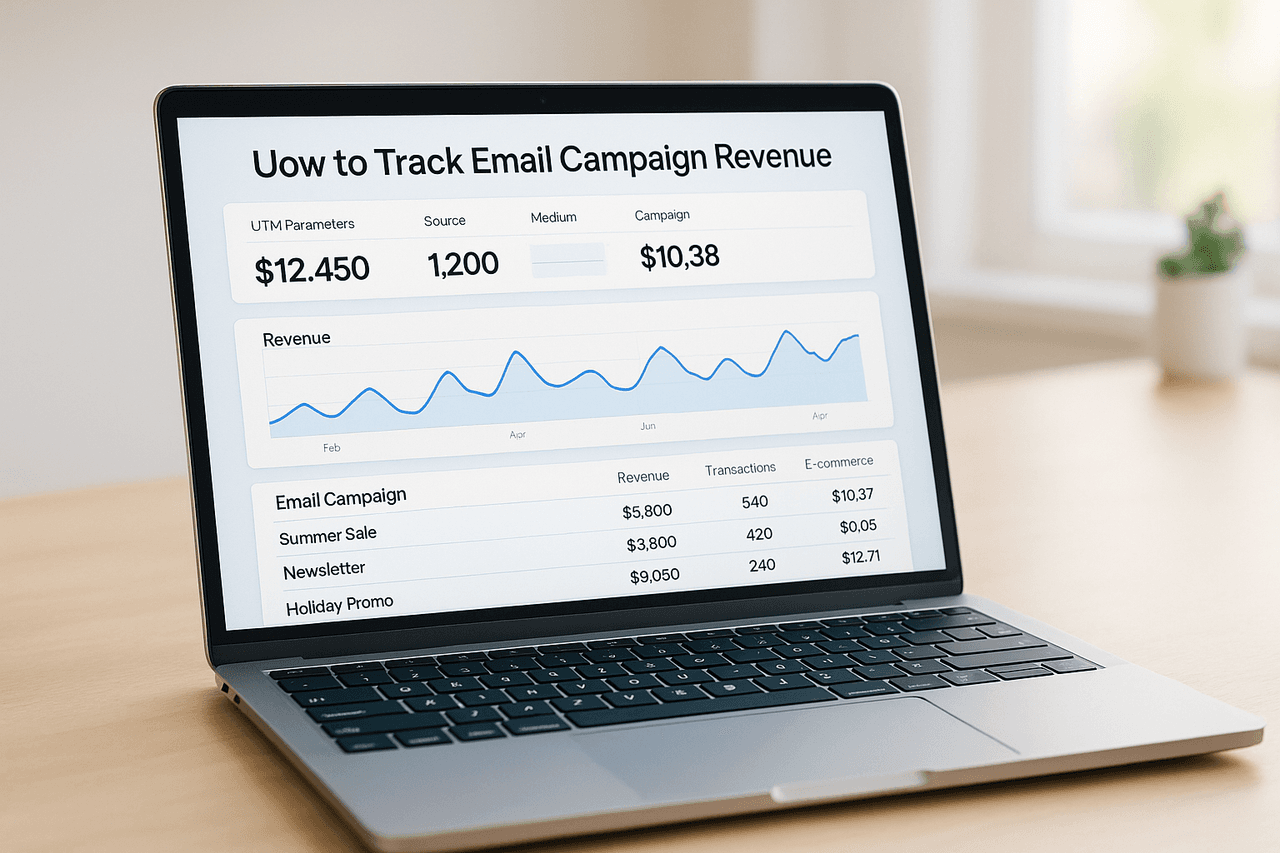
- Revenue attribution. Connect PIMMS with Stripe or Shopify and see which email campaign generated actual revenue, not just clicks.
- Consistent tagging. Templates and link management ensure every team member uses the same UTM structure.
Instead of pasting a long URL like https://yoursite.com/pricing?utm_source=newsletter&utm_medium=email&utm_campaign=weekly-2026-02-23&utm_content=hero-cta, you share a clean link like https://pim.ms/pricing-feb that carries all the same tracking data behind the scenes.
How to Analyze UTM Data from Email Campaigns
Once your campaigns are running with proper UTM tags, here is what to look for:
Campaign Comparison
Filter your analytics by utm_medium=email and group by utm_campaign. This shows you:
- Which campaigns drive the most sessions
- Which campaigns have the highest conversion rate
- Revenue attributed to each campaign (if you track e-commerce events)
Content-Level Analysis
Group by utm_content to see which links within an email perform best. Common findings:
- Hero CTAs typically get 40-60% of total clicks
- Inline text links often convert at a higher rate than buttons
- Footer links rarely drive conversions but are useful for secondary pages
Source Comparison
If you use multiple email tools, group by utm_source to compare platform performance. This helps you understand whether subscribers from different lists or tools behave differently.
Funnel Drop-Off
Combine UTM data with funnel analytics to see where email-sourced visitors drop off. If a campaign drives high traffic but low conversions, the landing page — not the email — may be the problem.
UTM Tracking and Email Deliverability
A common concern: do UTM parameters affect email deliverability? The short answer is no — UTM parameters are part of the URL, not the email content, so they do not trigger spam filters.
However, very long URLs with multiple parameters can look suspicious to subscribers. This is another reason to use branded short links through a tool like PIMMS. A clean pim.ms/offer link looks more trustworthy than a 200-character URL string.
Two deliverability-related tips:
- Avoid URL shorteners flagged as spam. Generic shorteners (bit.ly links shared widely) can sometimes get flagged. Branded domains are safer.
- Do not use UTM parameters in the plain-text version of your email if the links are already tagged in the HTML version. Some email clients render plain text, and excessively long URLs hurt readability.
Measuring Email ROI with UTM Data
UTM tracking transforms email from a "we think it works" channel into a precisely measured one. Here is a framework for calculating email campaign ROI using UTM data:
- Track sessions by
utm_campaignin Google Analytics or your analytics tool. - Set up conversion goals (sign-ups, purchases, demo requests) and attribute them to UTM-tagged traffic.
- Connect revenue data. If you use Stripe, Shopify, or another payment platform, tools like PIMMS can attribute actual dollar amounts to UTM-tagged clicks.
- Calculate ROI per campaign: (Revenue from campaign – Cost of campaign) ÷ Cost of campaign × 100.
A 2024 study by Campaign Monitor found that marketers who track email performance beyond open rates — using UTM parameters and conversion tracking — report 23% higher confidence in their channel allocation decisions.
Advanced Techniques: Dynamic UTM Parameters in Email
Most modern ESPs support dynamic merge tags that auto-populate UTM values based on subscriber data:
Personalized Campaign Tags
utm_campaign=onboarding-\{subscriber.plan\}
This generates utm_campaign=onboarding-pro for Pro subscribers and utm_campaign=onboarding-free for Free users — letting you compare onboarding performance across segments without creating separate campaigns.
Date-Stamped Automation Tags
utm_campaign=weekly-digest-\{send_date\}
Automated sends get unique campaign identifiers for each send date, making time-based analysis trivial.
Segment-Based Source Tags
utm_term=\{subscriber.segment\}
Encode the audience segment in utm_term to see how different subscriber groups respond to the same email.
Frequently Asked Questions
Should I use utm_source=newsletter or utm_source=mailchimp?
Use the platform name (mailchimp, hubspot) as utm_source if you want to compare ESP performance. Use a descriptive name (newsletter, weekly-digest) if you only use one platform and care more about content type. The key is consistency — pick one convention and document it.
Do UTM parameters work with AMP emails?
Yes. AMP emails support standard URL parameters including UTM tags. The parameters are passed through when a subscriber clicks a link, just like in regular HTML emails. However, AMP email adoption remains limited, so ensure your fallback HTML version is also properly tagged.
How many UTM parameters should I use per link?
Use at least three: utm_source, utm_medium, and utm_campaign. Add utm_content when you have multiple links in the same email. Use utm_term for audience segmentation. More parameters give you more granular data, but do not add parameters you will never analyze.
Can UTM tracking replace my ESP's built-in analytics?
No. ESP analytics (open rates, click rates, unsubscribe rates) measure email engagement. UTM tracking measures what happens after the click — website behavior, conversions, and revenue. Use both together for the complete picture.
How do I handle UTM tracking for emails with dozens of links?
Use a smart link tool like PIMMS to create managed links with embedded UTM parameters. This is faster than manually tagging 20+ URLs per email and ensures consistency. Set utm_content to identify each link position (e.g., intro-link, product-1, product-2, footer-cta).
Does Gmail clip emails with UTM-tagged links?
Gmail clips emails that exceed approximately 102 KB in size. UTM parameters add bytes to each URL, but the impact is minimal — typically 100-200 bytes per link. If your email has 30+ tagged links, check the total size before sending. Using short links eliminates this concern entirely.