UTMs are the plumbing of marketing analytics. When they’re set up well, you never think about them — your dashboards just make sense. When they’re messy, everything downstream becomes questionable: channel ROI, creative tests, partner performance, lifecycle reporting, even simple questions like “did this newsletter work?”
This article is a practical guide to building a UTM tagging system that stays clean as your team scales. It focuses on what breaks in the real world (naming drift, spreadsheets, missing governance) and how to build guardrails so UTMs remain a reliable signal across tools and campaigns.
Start with the outcome: what do you want UTMs to answer?
Before you pick a naming scheme, write down the questions you want to answer repeatedly:
- Which channel and campaign drove conversions, not just clicks?
- Which creative variant actually drove signups?
- Which partner/referrer produces higher-quality leads?
- Which source/medium performs best by landing page or offer?
UTMs should encode just enough structure to answer these questions without turning every link into a free-text essay.
If you’re connecting UTMs to conversion paths, this is a good companion read: How UTM parameters impact conversion paths.
UTM parameters: the small set that drives most reporting
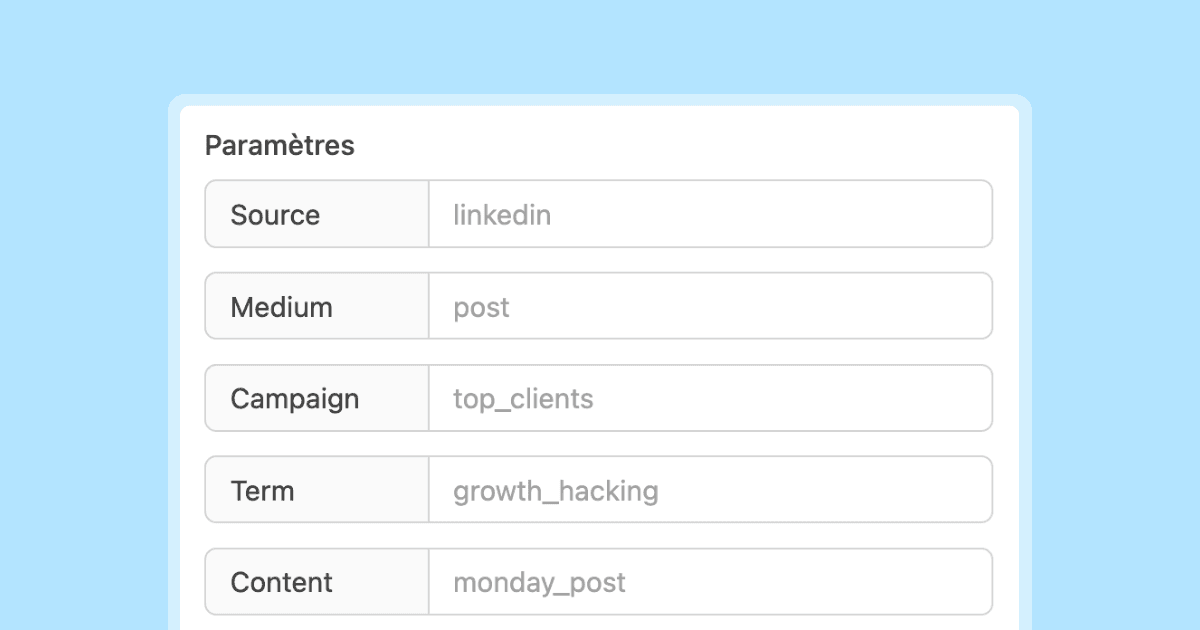
In Google’s campaign URL guidance and builder tool, you’ll see the same core fields repeated: campaign source, campaign medium, campaign name — plus optional term/content fields (URL builders, Campaign URL Builder).
Here’s a pragmatic mapping most teams can live with:
A canonical example URL (keep it boring on purpose)
https://example.com/pricing?utm_source=linkedin&utm_medium=paid_social&utm_campaign=q1_launch&utm_content=carousel_aThe point isn’t to “tag everything.” The point is that everyone tags the same way.
The 3 failure modes that ruin UTM data
1) Inconsistent naming (a.k.a. silent data fragmentation)
If one teammate uses utm_source=LinkedIn and another uses utm_source=linkedin, you’ve just split your reports. Google explicitly notes campaign parameter values are case sensitive (URL builders). That means capitalization differences create different buckets.
Rule: force lowercase for values. Always.
2) No ownership (everyone can invent values)
Without a clear owner, UTMs drift. “Just this once” becomes “forever,” and soon you have 14 mediums that mean “paid social.”
Rule: assign a UTM owner (marketing ops, growth ops, analytics lead). Their job is to protect the taxonomy.
3) No QA (links ship with typos and broken logic)
UTMs are often added at the last minute. That’s how you end up with:
- wrong medium (
paid-socialvspaid_social) - missing campaign name
- content values reused across totally different initiatives
Rule: treat UTMs like shipping code: every link gets a quick QA check.
Build your UTM “language”: a convention you can enforce
You need a small, explicit spec. Here’s a convention that works for most teams:
- Lowercase values (see case sensitivity note above) (URL builders)
- Use underscores for readability:
paid_social,spring_sale - No spaces, no emojis, no special characters
- No dates unless required for reporting (otherwise campaigns become un-groupable)
- No PII in UTMs (don’t put names/emails in URLs)
A minimal controlled vocabulary (start small)
Define a fixed set of utm_medium values first, because medium is usually where chaos starts:
emailpaid_socialorganic_socialpaid_searchreferralaffiliateqr
Then define utm_source rules:
- platforms:
linkedin,x,youtube,google - newsletter tooling:
beehiiv,mailchimp(or your internal newsletter “brand”) - partners:
partner_company
Create links fast (without improvising): builder + templates
The fastest way to eliminate typos is to reduce free typing. Even if your team uses different tools, you can standardize the core fields and generate URLs using an official builder UI (Campaign URL Builder).
Practical workflow:
- Start with a destination URL.
- Pick
utm_source,utm_medium,utm_campaignfrom dropdowns (or a controlled list). - Use
utm_contentonly when you’re testing creatives/placements. - Paste the final URL into the channel (ad, email, post).
If you want a deeper, hands-on UTM walkthrough, see: Complete UTM Tracking Guide: Deep Links & Analytics.
Governance: how to keep UTMs clean across teams
Here’s a lightweight governance model that works without slowing launches:
- Owner: one person/team owns the taxonomy and the “allowed values.”
- Creators: anyone shipping campaigns can create links, but from the allowed values.
- Review: spot-check high-impact campaigns (paid, affiliates, big launches).
- Change log: when you add a new medium/source pattern, document it.
Decision framework: when to add a new value vs reuse an existing one
Most taxonomy bloat happens when people add new values for convenience. Use this simple decision tree:
- If the new value changes how you’d allocate budget, it might deserve a new field value.
- If it only changes creative, use
utm_content(don’t create a newutm_medium). - If it’s a sub-source inside a platform (for example, a specific newsletter placement), prefer encoding it in
utm_contentor a consistentutm_campaignnaming suffix — not a newutm_source.
Practical example:
- You’re running LinkedIn ads with 6 creatives. Keep
utm_source=linkedin,utm_medium=paid_social, and varyutm_content. - You’re running a co-marketing partnership with a company that will send traffic from their newsletter and website. Keep one
utm_source=partner_companyand split placements viautm_medium(emailvsreferral) and/orutm_content.
Change management rule of thumb
If you change naming conventions, do it deliberately:
- Announce the change (Slack/Notion/Confluence)
- Update the allowed values list
- Decide whether you will normalize historical data (often “no” — but you should at least document the break)
Advanced (where attribution breaks): redirects, cross-domain, and “self-referrals”
This is where many “perfect” UTM plans fall apart: the click lands somewhere, but the user journey crosses boundaries.
Redirect chains (short links, tracking links, URL rewrites)
Redirects are fine — until they drop parameters.
QA check: click the final link and confirm the landing URL still contains the expected parameters. If you use a builder, generate the URL there (source/medium/name are standard fields in official guidance) and then verify the final landing page still has those query parameters (URL builders, Campaign URL Builder).
Edge case: “internal UTMs” and accidental session resets
One common mistake is adding UTMs on internal navigation links (homepage → blog post, pricing → checkout step 2). That can overwrite the original campaign attribution and make later reporting confusing.
Rule: only apply UTMs to inbound links you control (ads, emails, partner pages). For internal routing, use analytics events or internal campaign constructs instead of query-string UTMs.
Cross-domain flows (e.g., marketing site → app domain → checkout domain)
When a journey spans multiple domains, you need measurement configured so sessions aren’t split. Google’s GA4 setup documentation includes explicit steps for configuring domains and a verification method: confirm the destination URL contains the linker parameter _gl (GA4 cross-domain measurement).
Practical takeaway: if your conversion happens on a different domain than your landing page, treat cross-domain configuration as part of your attribution stack.
Getting UTMs into leads and revenue (forms + CRM capture)
UTMs are most valuable when they persist through a conversion event.
Two simple patterns:
- Hidden fields in forms: store
utm_source,utm_medium,utm_campaign, etc. in hidden inputs and send them to your CRM. - Thank-you-page conversion tracking: trigger conversion events with the original UTM context.
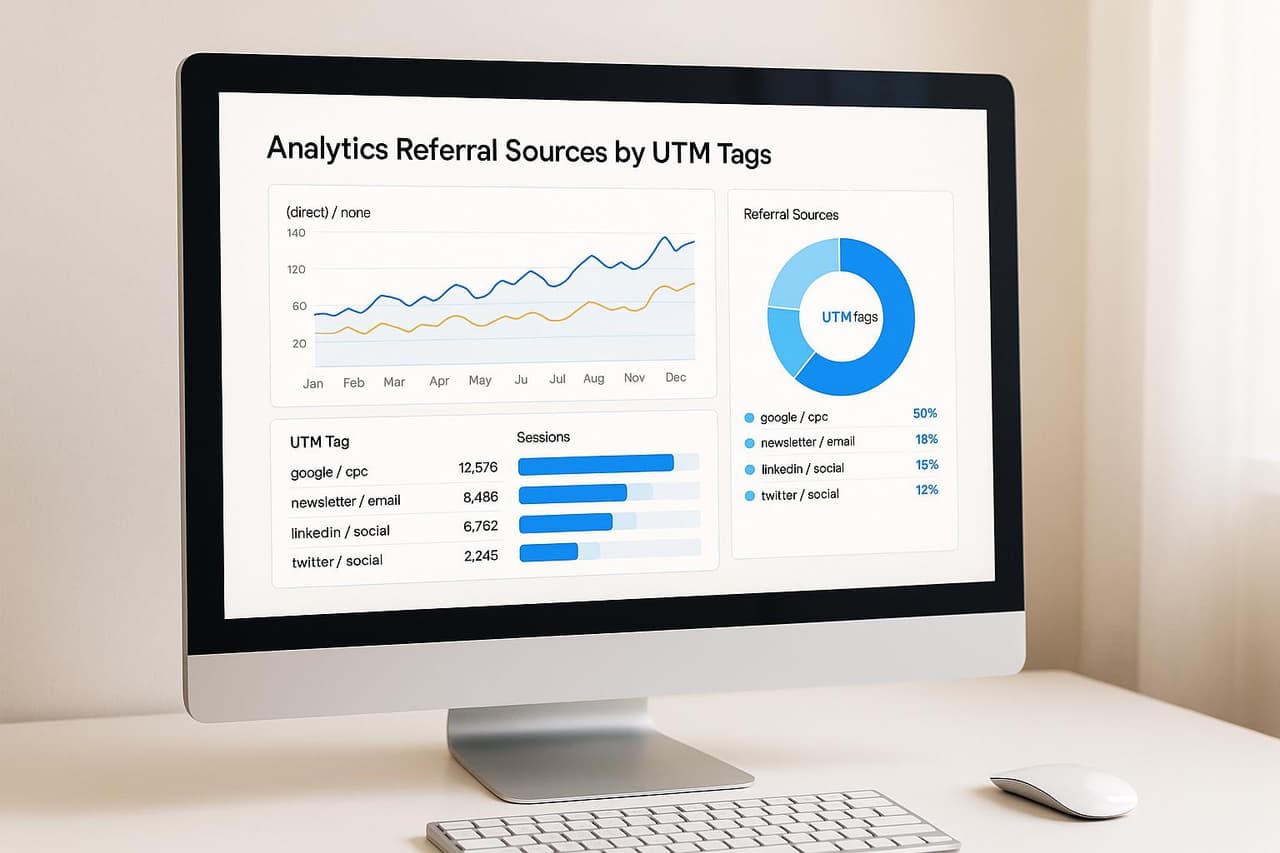
For more on analyzing and operationalizing UTM data, see: Analyze referral sources with UTM tags.
Coverage checklist (use this before you declare “UTMs are fixed”)
- Standard parameters chosen (
utm_source,utm_medium,utm_campaign, optionalutm_content/utm_term) (URL builders) - Controlled vocabulary for
utm_medium - Lowercase rule documented (case sensitivity confirmed) (URL builders)
- Link creation workflow (builder or templates) (Campaign URL Builder)
- Governance owner assigned + change log process
- QA step before launch (click-through validation)
- Cross-domain measurement checked if conversion spans domains (
_glverification) (GA4 cross-domain measurement) - UTM capture into forms/CRM or conversion events
Quick QA checklist for every high-impact link (copy/paste into your launch checklist)
- Destination URL: loads correctly (no 404, no redirect loop).
- Required fields present: at least
utm_source,utm_medium,utm_campaign(these are the standard fields in Google’s campaign URL guidance/tools) (URL builders, Campaign URL Builder). - Lowercase values: no capitalization drift (case-sensitive values can split reporting) (URL builders).
- Campaign name matches the plan: the same
utm_campaignis used across channels for the same initiative. - Creative variants use
utm_content: do not create new sources/mediums for creative tests. - Redirect validation: the final landing URL still contains UTMs after redirects.
- Cross-domain validation (if applicable): verify sessions aren’t broken; if you configured GA4 cross-domain measurement, confirm the destination URL includes
_glwhere expected (GA4 cross-domain measurement).
5 concrete takeaways you can implement this week
- Pick 6–8 allowed
utm_mediumvalues and ban everything else. - Force lowercase for every parameter value (no exceptions) (URL builders).
- Create a “campaign naming” rule (what belongs in
utm_campaignvsutm_content). - Add a QA step: click every high-spend link and confirm parameters survived redirects.
- Audit cross-domain flows and verify GA4
_glis present when needed (GA4 cross-domain measurement).
Keep learning: build the rest of your attribution stack
- Learn the vocabulary: UTMs, tracking, attribution, conversions — glossary
- Measure performance across channels: How to track link performance across multiple channels
- Understand campaign-to-conversion mechanics: How UTM parameters impact conversion paths
It starts here
If you made it this far, it's time to grab 10 free links.
10 smart links included • No credit card