
UTM parameters are the backbone of marketing attribution. They answer the most basic question in digital marketing: where did this visitor come from? But according to a 2024 analysis by Ruler Analytics, over 60% of marketing teams have inconsistent or broken UTM implementations that actively corrupt their analytics data.
The result is misattributed traffic, inflated "direct" channel numbers, and marketing decisions based on flawed data. A CMO allocating budget based on broken UTM data might over-invest in a channel that looks productive but is actually benefiting from another channel's untagged traffic.
This guide documents the twelve most common UTM tracking mistakes, explains why each one matters, and provides the exact fix.
Mistake 1: Inconsistent Capitalization
The problem: UTM parameters are case-sensitive. utm_source=Facebook, utm_source=facebook, and utm_source=FACEBOOK create three separate entries in Google Analytics 4. A team of five marketers might use all three variants across different campaigns.
The impact: Your channel reports fragment. Instead of seeing one "facebook" source with 10,000 sessions, you see three entries with 3,000, 4,500, and 2,500 sessions. Aggregation becomes manual work, and automated reports show inaccurate numbers.
The fix: Enforce lowercase for all UTM values, no exceptions. Document this rule in your marketing playbook and use a UTM builder tool that auto-lowercases input. Tools like PIMMS normalize UTM parameters automatically, eliminating capitalization errors at the source.
Mistake 2: Using Spaces and Special Characters
The problem: Spaces in UTM values get encoded as %20 or + in URLs. utm_campaign=spring sale becomes utm_campaign=spring%20sale. Different browsers and analytics tools handle this differently, leading to inconsistent data.
The impact: Campaign names with spaces may appear differently across reports. Some tools decode %20 back to a space; others display the encoded version. You end up with duplicate campaign entries that are hard to merge.
The fix: Use hyphens as word separators: utm_campaign=spring-sale. Never use spaces, underscores, or special characters in UTM values. Hyphens are URL-safe, human-readable, and universally consistent across analytics platforms.
Mistake 3: Tagging Internal Links with UTM Parameters
The problem: Some teams add UTM parameters to internal links — navigation menus, cross-sell banners, or in-page CTAs. When a visitor clicks an internal UTM-tagged link, Google Analytics starts a new session attributed to that internal "source," overwriting the original acquisition data.
The impact: Your original traffic source (the Google search, the Facebook ad, the email campaign) gets replaced by an internal source. Attribution breaks completely. A visitor who came from a paid ad now shows as coming from "homepage-banner" in your reports.
The fix: Never use UTM parameters on internal links. Use event tracking or content grouping to measure internal navigation. UTM parameters are exclusively for external traffic sources — links you place on platforms you do not own or in emails and ads.
Quick test: If the link points to a page on your own domain and the click originates from your own domain, do not add UTM parameters.
Mistake 4: Forgetting utm_medium or Using It Wrong
The problem: utm_medium defines your marketing channel. Some teams skip it entirely, use it inconsistently (email vs Email vs e-mail), or misuse it (utm_medium=facebook instead of utm_medium=social).
The impact: Google Analytics 4 uses utm_medium to assign traffic to default channel groups (Organic Social, Paid Social, Email, etc.). If your medium value does not match GA4's recognized values, your traffic lands in "Unassigned" — a reporting black hole.
The fix: Use GA4-recognized medium values:
Stick to these exact values. Document them. Reject any deviation.
Mistake 5: Not Tagging Email Links
The problem: Email clients strip HTTP referrer headers. When a subscriber clicks a link in Gmail, Outlook, or Apple Mail, your analytics tool often cannot determine the traffic source. Without UTM tags, email traffic appears as "direct."
The impact: According to a 2023 Litmus study, email drives approximately 36x ROI, but teams that do not tag email links undercount email's contribution by 30-50%. Direct traffic gets inflated, and email gets undervalued in budget discussions.
The fix: Tag every link in every email with at minimum utm_source, utm_medium=email, and utm_campaign. Use a smart link tool like PIMMS to generate pre-tagged links that carry full attribution data through branded short URLs.
Mistake 6: Overly Generic Campaign Names
The problem: utm_campaign=promo, utm_campaign=sale, or utm_campaign=test tell you nothing useful. When you have 15 campaigns all named "promo," your campaign report becomes meaningless.
The impact: You cannot distinguish between campaigns. Was it the February promotion or the March one that drove conversions? Was it the product launch or the seasonal sale? Generic names destroy the analytical value of UTM tracking.
The fix: Use a structured campaign naming format:
[year]-[month]-[campaign-type]-[descriptor]
Examples:
2026-02-launch-ai-features2026-03-webinar-seo-masterclass2026-q1-nurture-trial-users
Include enough detail to identify the campaign at a glance, even months later.
Mistake 7: Tagging Organic Search Links
The problem: Some teams add UTM parameters to their Google Business Profile links, SEO meta descriptions, or other organic search touchpoints. This overwrites Google's automatic organic search attribution.
The impact: Organic search traffic gets misattributed to whatever you put in utm_source. You lose the automatic search query data that Google provides for organic traffic. Your organic search channel appears smaller than it actually is.
The fix: Never tag links that appear in organic search results. Google Analytics automatically identifies organic search traffic through referrer data. UTM parameters are for channels where automatic detection fails — email, social media posts, offline materials, and paid campaigns.
Mistake 8: Not Using utm_content for A/B Tests
The problem: Teams run A/B tests on emails or ads but use identical UTM parameters for both variants. The analytics data merges, making it impossible to determine which variant drove conversions.
The impact: You can measure click-through rates in your email or ad platform, but you cannot measure downstream conversions per variant. The test is incomplete — you know which variant got more clicks but not which one generated more revenue.
The fix: Use utm_content to differentiate variants:
Variant A: utm_content=short-subject-line
Variant B: utm_content=long-subject-line
Or for ad creative tests:
Variant A: utm_content=video-ad-30s
Variant B: utm_content=static-image-ad
Mistake 9: Letting Auto-Tagging and Manual UTM Conflict
The problem: Google Ads uses auto-tagging (the gclid parameter) to track paid search. If you also add manual UTM parameters to Google Ads URLs, the two systems can conflict. GA4 may double-count sessions or show inconsistent source/medium data.
The impact: Paid search data becomes unreliable. You might see the same campaign appearing under two different source/medium combinations. Conversion data may not reconcile between Google Ads and GA4.
The fix: For Google Ads, use auto-tagging (gclid) and do not add manual UTM parameters. If you must use UTMs alongside auto-tagging, enable "Allow manual tagging to override auto-tagging" in GA4's admin settings — but only if you have a specific reason.
For non-Google ad platforms (Meta Ads, LinkedIn Ads, TikTok Ads), manual UTM tagging is required since they do not integrate natively with GA4.
Mistake 10: Forgetting to Tag Links in Social Media Posts
The problem: Social media platforms vary in how they pass referrer data. Organic posts on LinkedIn, Twitter/X, and Facebook often carry referrer information, but it is not always reliable — especially when links are shared, copied, or opened in in-app browsers.
The impact: Social media traffic gets misattributed. A LinkedIn post that drives 500 clicks might show only 300 in your analytics, with the rest appearing as "direct" or "unknown." You undervalue social media's contribution.
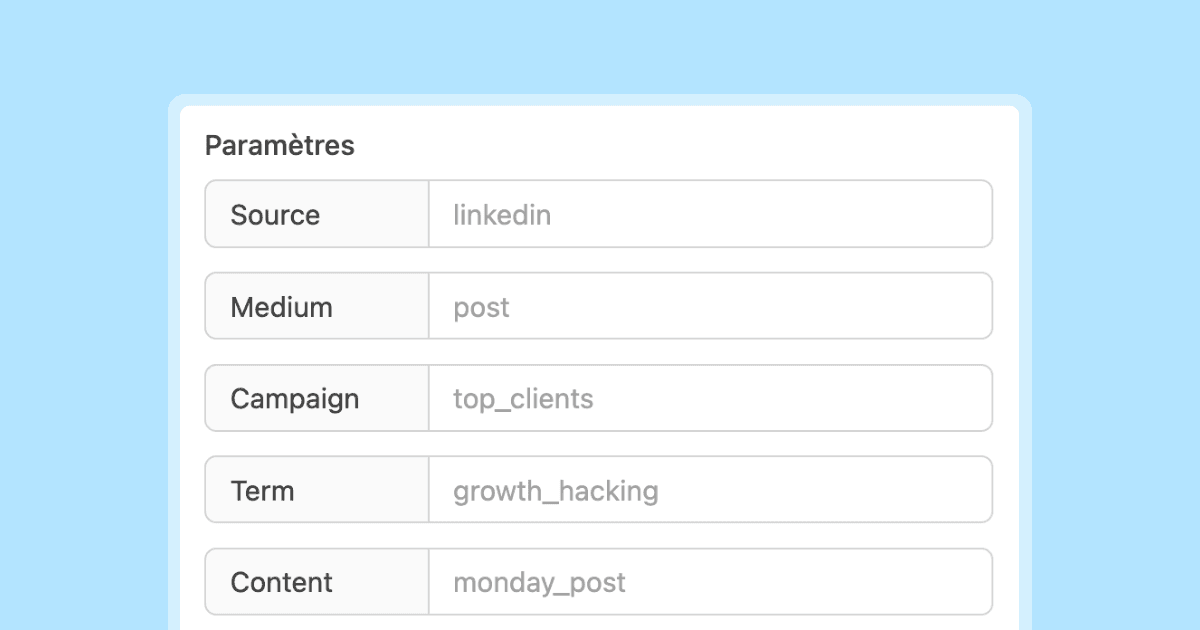
The fix: Tag every link you post on social media with UTM parameters. Use utm_source for the platform (linkedin, twitter, facebook), utm_medium=social for organic posts or utm_medium=paid-social for ads, and utm_campaign for the specific initiative.
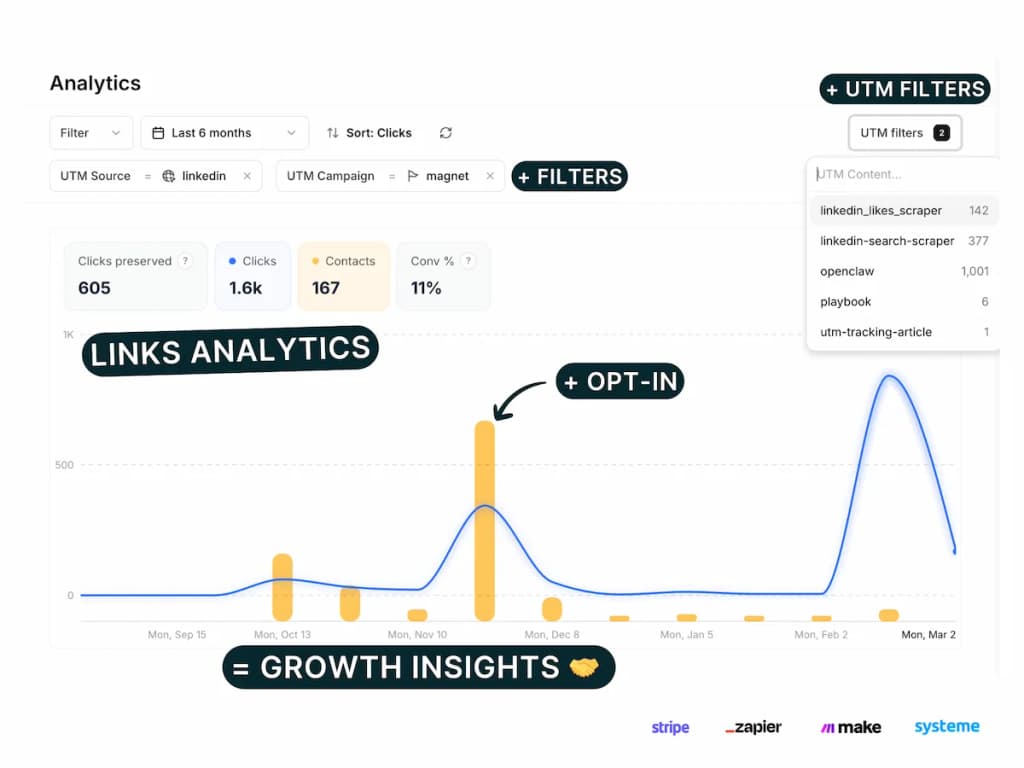
PIMMS smart links make this seamless — create a branded short link with UTM parameters embedded, and share it anywhere. The link tracks clicks, leads, and conversions regardless of how the platform handles referrer data.
Mistake 11: Not Documenting Your UTM Convention
The problem: The marketing team agrees on UTM conventions in a meeting but never writes them down. Three months later, a new team member joins and starts using different naming patterns. The original conventions drift.
The impact: Gradual data corruption. Your analytics becomes a mix of old conventions and new ones, with no clear way to reconcile them. Historical comparisons break because the same campaign type is named differently across periods.
The fix: Create a UTM governance document that includes:
- Allowed values for each parameter (use a dropdown or template)
- Naming format with examples
- Ownership — who approves new UTM values
- Review cadence — monthly audit of UTM data for anomalies
Store this document where your team actually works — in your project management tool, wiki, or link management platform.
Mistake 12: Not Validating UTM Parameters Before Launch
The problem: A marketer builds a UTM-tagged URL, pastes it into an email or ad, and sends it without testing. The URL has a typo (utm_souce instead of utm_source), a missing parameter, or an incorrect value.
The impact: The campaign goes live with broken tracking. Thousands of clicks arrive with no attribution data or incorrect data. By the time someone notices, the campaign is over and the data is lost.
The fix: Build a pre-launch checklist:
- Click the link yourself. Verify it loads the correct page.
- Check the URL bar. Confirm all UTM parameters appear correctly.
- Verify in real-time analytics. Open your analytics tool's real-time view, click the link, and confirm the source/medium/campaign appear as expected.
- Use a UTM validation tool. Some link management platforms flag common errors before you publish.
A Quick Checklist for Clean UTM Tracking
Use this checklist before every campaign:
- All UTM values are lowercase
- Hyphens used as separators (no spaces, no underscores)
-
utm_mediummatches GA4 recognized values - Campaign name is specific and dated
- No UTM parameters on internal links
- Email links are fully tagged
- A/B test variants use
utm_contentdifferentiation - Google Ads uses auto-tagging (no manual UTM conflict)
- Social media links are tagged
- Links are tested before sending
- UTM convention document is up to date
How PIMMS Helps Prevent UTM Mistakes
Managing UTM parameters manually across dozens of campaigns is where most mistakes happen. PIMMS addresses this by centralizing link creation and tracking:
- Consistent tagging: Create UTM-tagged smart links from a single dashboard. Templates enforce your naming conventions.
- Automatic normalization: PIMMS lowercases and standardizes parameter values, eliminating capitalization and formatting errors.
- Built-in analytics: See click, lead, and revenue data for every link — no need to cross-reference multiple analytics tools.
- Deep linking: Links route mobile users directly to the right app screen, avoiding the in-app browser problem that loses conversion data.
- Team collaboration: Multiple team members use the same link management workspace, reducing convention drift.
Frequently Asked Questions
How do I audit my existing UTM data for mistakes?
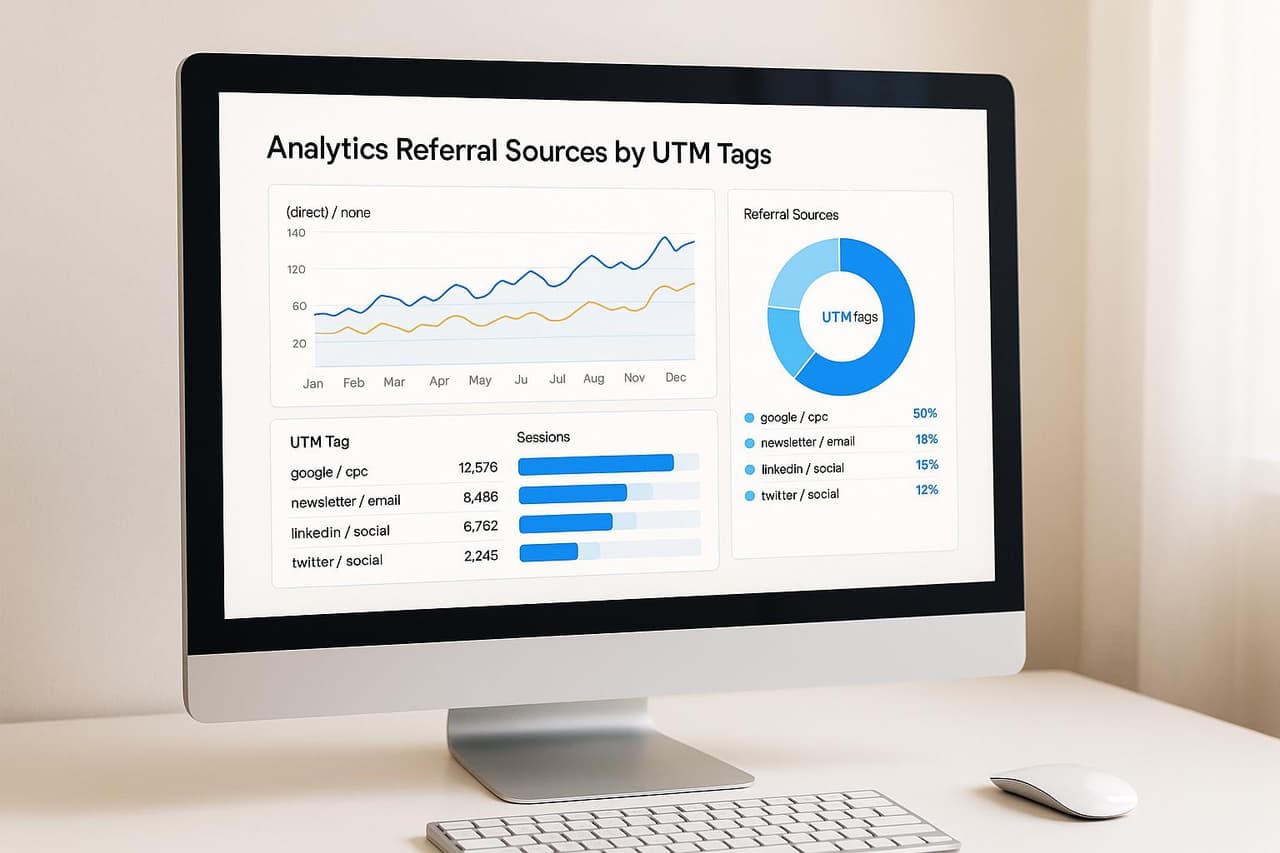
Export your GA4 acquisition report grouped by source, medium, and campaign. Sort alphabetically and look for near-duplicates: facebook vs Facebook, email vs Email, cpc vs CPC. Merge the duplicates in a spreadsheet to understand the true numbers, then fix the conventions going forward.
Can I retroactively fix broken UTM data?
No. Once data is recorded in Google Analytics with incorrect UTM values, it cannot be changed. You can create data filters or use BigQuery to normalize historical data in custom reports, but the raw data in GA4 is permanent. Prevention is the only reliable solution.
Do UTM parameters affect SEO rankings?
No. Google ignores UTM parameters for ranking purposes. However, if UTM-tagged URLs get indexed (which can happen if someone links to a UTM-tagged URL), you may see duplicate pages in search results. Add canonical tags to your pages to prevent this, or use a robots.txt rule to block UTM-tagged URL variants from indexing.
How many UTM parameters is too many?
There is no technical limit, but using all five parameters on every link is rarely necessary. Most campaigns need three (source, medium, campaign). Add utm_content when you have multiple links in the same message. Add utm_term only for paid search keywords or audience segments.
Should every team member create their own UTM links?
Ideally, no. Centralize link creation through a tool like PIMMS or a shared UTM builder template. The fewer people manually typing UTM values, the fewer errors you will have. If team members must create their own links, provide a template with dropdown menus for allowed values.
What is the biggest UTM mistake that wastes the most budget?
Tagging internal links. When internal links carry UTM parameters, they overwrite the original traffic source for every visitor who clicks them. A paid ad that cost $5,000 might show zero conversions because an internal banner link overwrote the attribution. This is both the most common and the most damaging mistake.